
Streaming services often limit what you can watch based on where you are. A VPN for streaming lets you connect through a server in another country so you can access that region’s catalog—or keep using your home services when you’re traveling. At the same time, the VPN encrypts your traffic, so your streaming habits stay private from your ISP and others on the network.
When you connect to a VPN, your device sends all traffic—including streaming—through an encrypted tunnel to the VPN provider’s server. From there, the request goes out to the streaming service. The service sees the VPN server’s IP address and location, not yours. So if you’re in the US and connect to a UK server, you can see UK-only content; if you’re abroad and connect to a server in your home country, you can keep watching your usual subscriptions without “content not available in your region” errors.
Not every VPN is good for streaming. Services like Netflix, Disney+, and others try to detect and block VPN IPs. The best streaming VPNs keep adding and rotating server IPs and optimize for speed so you get HD or 4K without constant buffering. Look for a provider that explicitly supports streaming and offers servers in the countries you care about. Speed matters more for streaming than for casual browsing, so choose a VPN with a large, fast network.
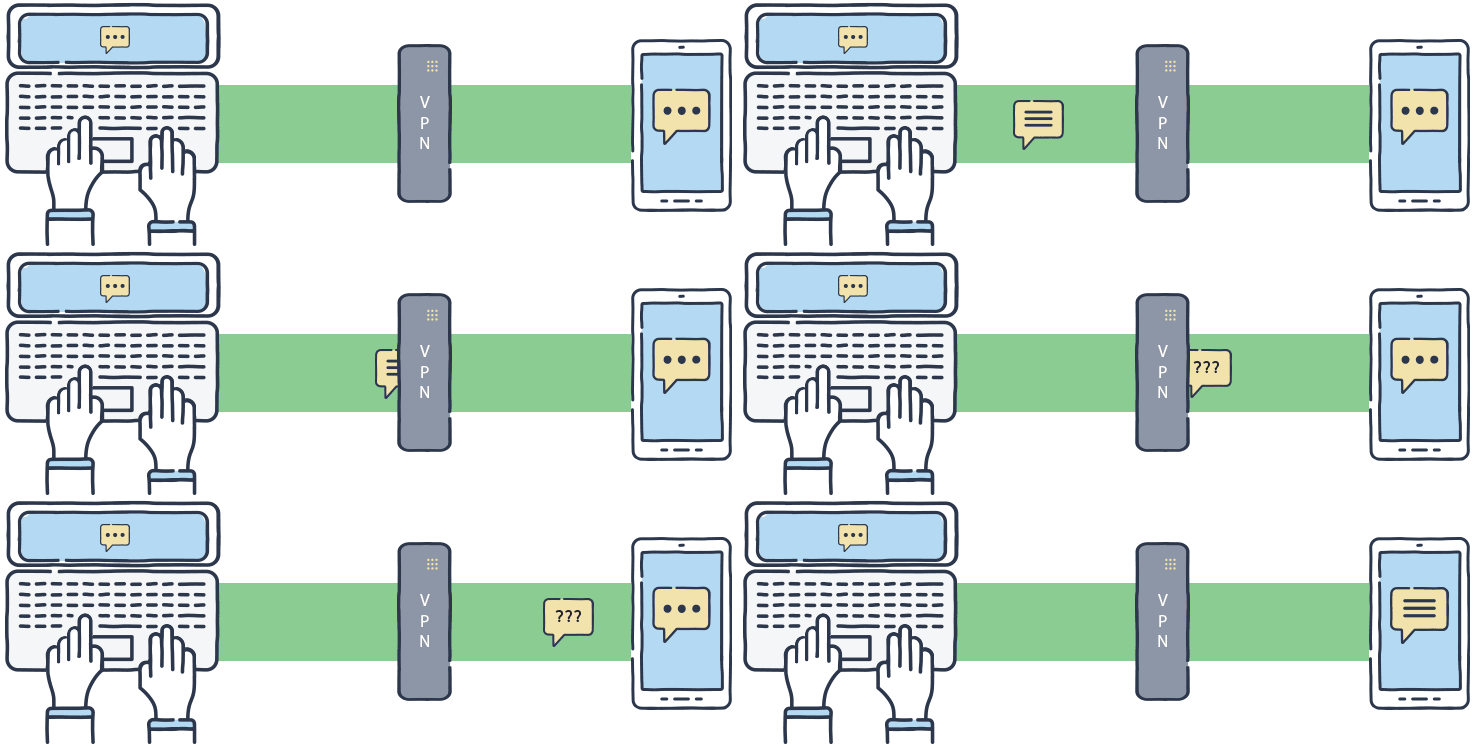
Using a VPN for streaming also improves privacy. Without a VPN, your ISP can see that you’re using Netflix, YouTube, or other platforms and when. With a VPN, they only see encrypted traffic to the VPN server. That doesn’t make you anonymous to the streaming service (you’re still logged in), but it keeps your viewing habits away from your ISP and reduces the risk of throttling or targeted ads based on that data.
If you travel often, a VPN is especially useful. Hotel and airport Wi‑Fi are often unencrypted or weakly secured. Streaming over such networks without a VPN can expose your traffic; with a VPN, your connection is encrypted end to end. You can also avoid geo-blocks: connect to a server in your home country and use your existing subscriptions as if you were still there.
To get the most out of a VPN for streaming, pick a server close to you (or close to the content’s origin) for better speed. Use wired Ethernet or a strong Wi‑Fi connection when possible. If a particular server is blocked by a streaming site, try another server in the same country or switch to a different VPN location. Some VPNs offer “streaming-optimized” servers—those are a good first choice.
In short, a VPN for streaming gives you access to more content, keeps your streaming traffic private from your ISP, and protects you on untrusted networks. For more on how VPNs work, see our glossary and why use a VPN.