
Why traders are prime targets (and how VPNs help)
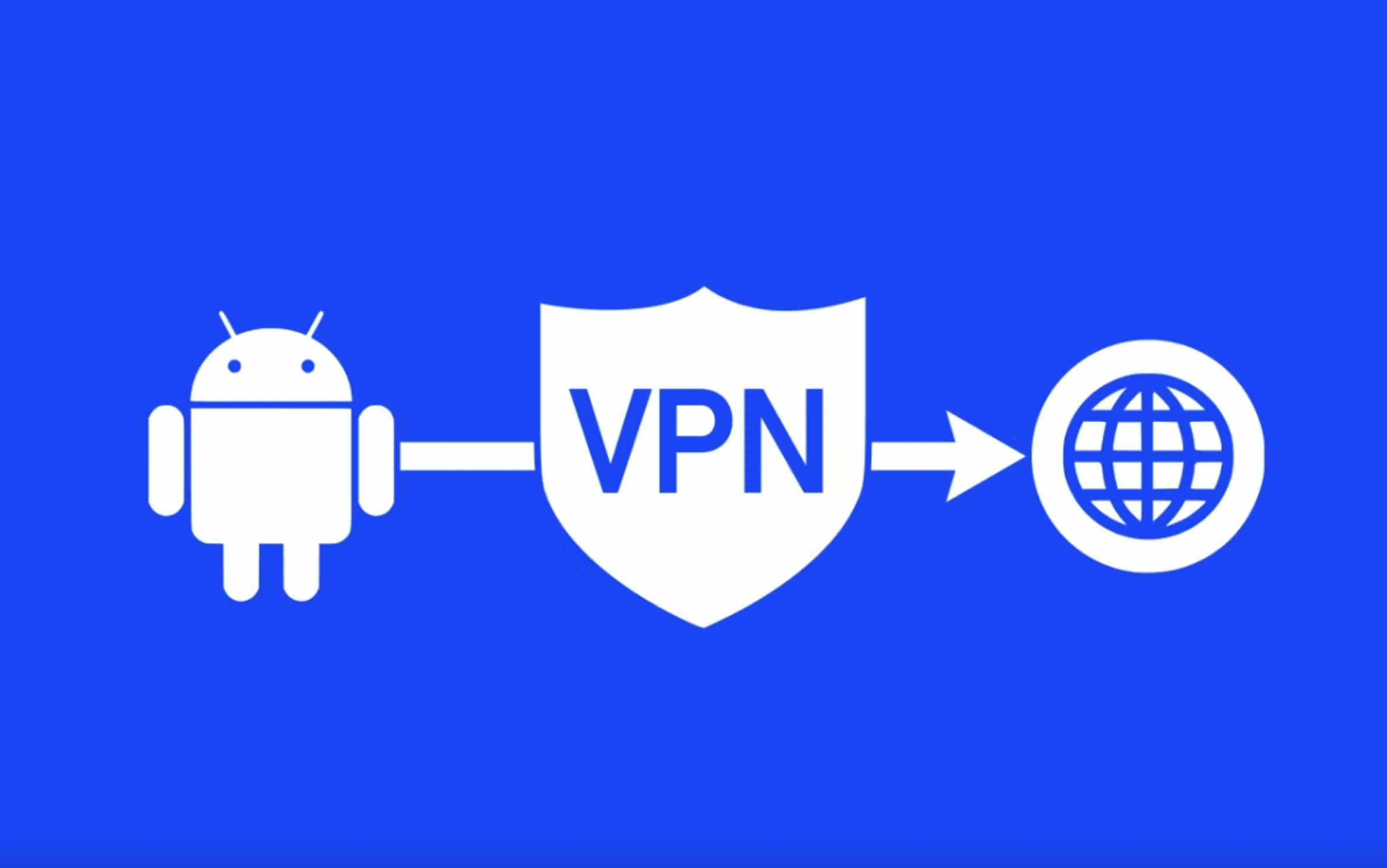
VPN privacy is one of those topics that sounds simple (“hide my IP”), but quickly becomes a stack of practical questions: what is actually encrypted, what still leaks as metadata, which settings matter on your device, and what trade‑offs come with speed and compatibility. This guide is written for both a general audience and readers who like the technical details, with a focus on real‑world VPN privacy. Throughout, we’ll use “VPN” to mean a consumer or small‑business VPN that creates an encrypted tunnel between your device and a VPN server, then forwards traffic to the public internet.
Traders use VPNs for two big reasons: protecting sessions on untrusted networks and maintaining predictable access when traveling. Brokerage logins, charting tools, and exchange dashboards are high‑value targets for credential theft. A VPN reduces the risk of local interception and can help avoid ISP‑level throttling or flaky routing, but it can’t compensate for weak account security. Use MFA, hardware keys where available, and consider isolating your trading environment in a dedicated browser profile or device.
The fastest way to make VPN privacy decisions is to define your threat model—who you’re trying to protect against and what they can do. A VPN is strong protection against a local network observer (coffee shop Wi‑Fi), a nosy ISP, or basic location‑based blocking. It is weaker against an adversary who can correlate traffic at multiple points (for example, watching both your device’s outbound connection and the VPN exit’s inbound traffic). It also doesn’t replace endpoint security: if your device is compromised, encryption in transit won’t help.
Balancing privacy with latency: what to measure
There’s also a performance nuance: traders care about latency and packet loss. A VPN adds encryption and an extra hop; sometimes it improves routing by choosing a better path, but sometimes it makes it worse. If you trade actively, test a few nearby VPN exits and compare round‑trip times to your broker and data feeds. If milliseconds matter, you may decide to tunnel only sensitive logins while keeping market data direct (with eyes open about privacy trade‑offs).
Performance issues often come down to transport and MTU (Maximum Transmission Unit). A VPN adds overhead (extra headers and encryption), which can cause fragmentation if MTU isn’t tuned. Symptoms look like random buffering, slow page loads, or certain apps failing while others work. Many modern clients auto‑tune MTU, but if you see problems, switching servers, changing protocols (WireGuard ↔ OpenVPN), or toggling UDP/TCP can help.
VPN protocols are the plumbing. The common consumer protocols are WireGuard, OpenVPN, and IKEv2/IPsec. WireGuard is modern, relatively small in code size, and typically fast (often using ChaCha20‑Poly1305). OpenVPN is older but battle‑tested, flexible, and can run over UDP or TCP (helpful for restrictive networks). IKEv2/IPsec is popular on mobile because it reconnects quickly when switching networks (cellular ↔ Wi‑Fi), using strong crypto suites (often AES‑GCM with ECDH for key exchange).
Operational security beyond the tunnel
Operationally, traders should think in layers: network privacy (VPN), browser/session isolation, and account hardening. Use separate browser profiles for trading, disable unnecessary extensions, and consider a dedicated machine for high‑value sessions. Keep a runbook for travel: how you’ll access your broker from a new country, what documents you’ll need for verification, and which security alerts might trigger. A VPN can reduce “impossible travel” confusion by keeping your exit region consistent, but don’t rely on it to bypass compliance requirements.
DNS is a common privacy leak. If your device sends DNS queries outside the tunnel, your ISP or local network can still learn what domains you’re visiting. A solid VPN setup routes DNS through the tunnel and uses resolvers you trust, and it blocks fallback behaviors that “helpfully” switch to a public resolver when something fails. Testing is simple: use a DNS leak test site, and also check that your OS isn’t using split DNS rules that bypass the tunnel for certain domains (common in corporate networks).
A kill switch (or “network lock”) aims to prevent traffic from leaving your device outside the VPN if the tunnel drops. Implementation varies: some clients add firewall rules; others rely on OS‑level “always‑on” controls. The details matter because brief dropouts can expose real IP addresses to services that maintain persistent connections. For sensitive workflows—trading, corporate work, or travel in restrictive networks—test the kill switch by toggling Wi‑Fi and airplane mode and watching whether any traffic leaks.
Travel scenarios: hotel Wi‑Fi, SIM swaps, and ‘impossible travel’ alerts
Even when payloads are encrypted, metadata can still exist: the fact you connected to a VPN server, the timing and volume of data, and sometimes DNS behavior. Modern websites increasingly use HTTPS (TLS), which encrypts content but can still expose the destination IP and some connection features. A VPN shifts who can see what: your ISP sees you connecting to a VPN, while the VPN provider can see your tunnel connection and (depending on implementation) the destinations you access. This is why policies (logging), architecture, and independent audits matter.
“No‑logs” is marketing unless it is backed by clear definitions and verifiable practices. Look for specifics: what connection metadata is collected (timestamps, bandwidth totals, source IP), how long it is retained, and whether it is stored in volatile memory (RAM) versus disk. Some providers use diskless/RAM‑only server designs to reduce persistence. Independent security audits and transparency reports don’t guarantee perfection, but they do raise the cost of dishonesty and can reveal how systems are actually built.
Split tunneling lets you choose which apps or destinations use the VPN. It can improve performance (for example, keeping local LAN traffic or low‑risk apps off the tunnel) but it also creates complexity: the more exceptions you add, the easier it is to leak DNS, WebRTC, or routing decisions you didn’t intend. If you use split tunneling, keep it deliberate: explicitly list apps that must be protected, and keep the bypass list short. For maximum privacy, “full tunnel” (everything through the VPN) is simplest to reason about.
A trader’s VPN checklist
Quick VPN privacy checklist: - Choose a modern protocol (WireGuard / IKEv2) for mobile stability; keep OpenVPN as a fallback for restrictive networks. - Enable kill switch / always‑on protections; test by toggling networks. - Verify DNS and IPv6 behavior with leak tests. - Keep split tunneling minimal; avoid bypassing DNS. - Update your OS and VPN client regularly; old clients leak. - Pair VPN use with strong account security (MFA, password manager) and sane browser hygiene (separate profiles, limit extensions).
A VPN is best thought of as a privacy and security layer, not a magic cloak. Used well, it meaningfully reduces what local networks and ISPs can observe, and it can make travel, streaming, gaming, and remote work smoother and safer. Used carelessly, it can provide false confidence while DNS, IPv6, or app identifiers leak around the edges. For more VPN privacy guides and practical configuration tips, visit VPNsurf.
Hashtags: #VPN #VPNsurf #EliteVPN
Learn more and get more VPN privacy guides at: https://vpnsurf.com/